>=================== 2: Live Update ===================
This live-update module allows users to view the on-going scan collections for protocols sent via the R&D Data Acquisition Module.
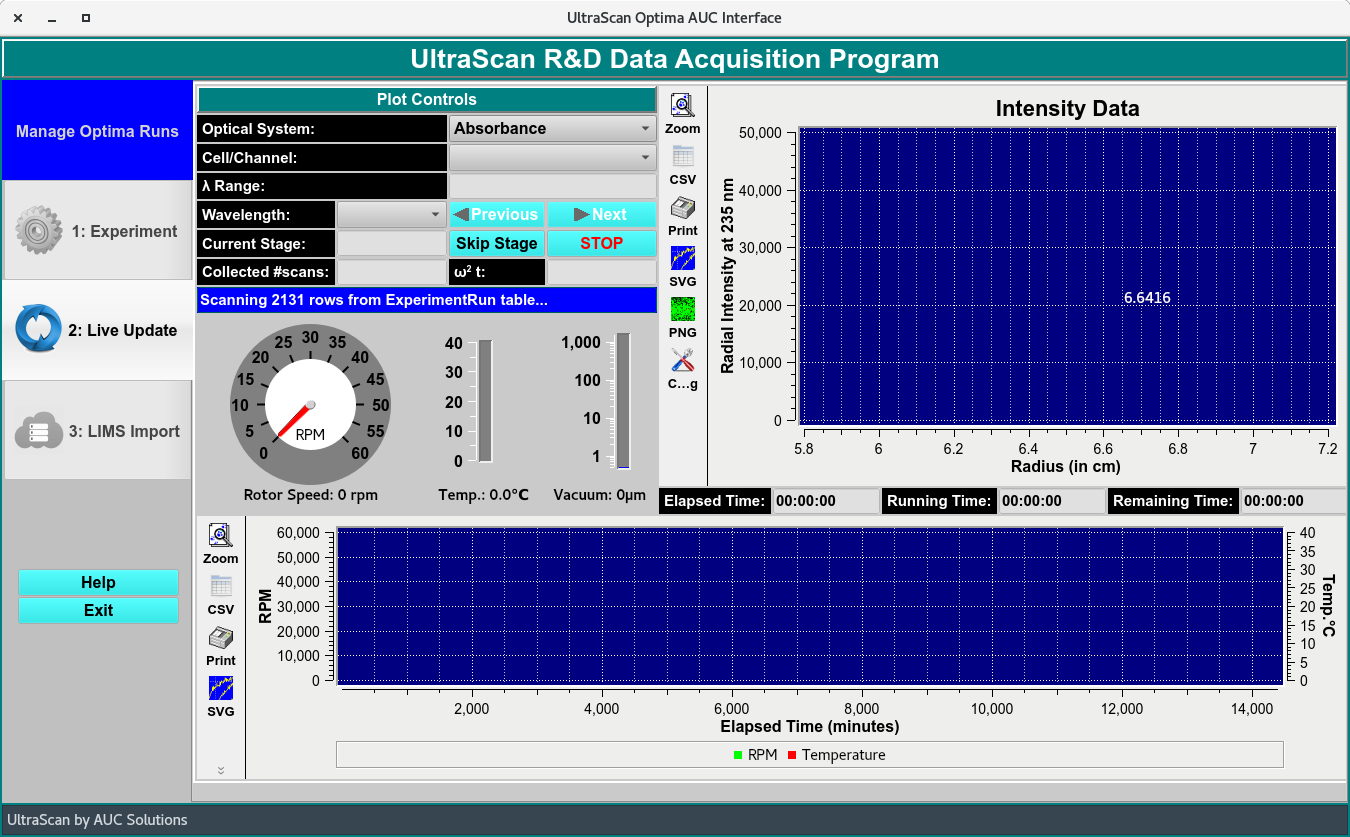
Live Update Window
Select the run with the RUNNING Optima Run status and in the LIVE_UPDATE stage in Manage Optima Run window. Click Select Optima Run to Follow to open the live update window.
Allow the window to update and query all scans.
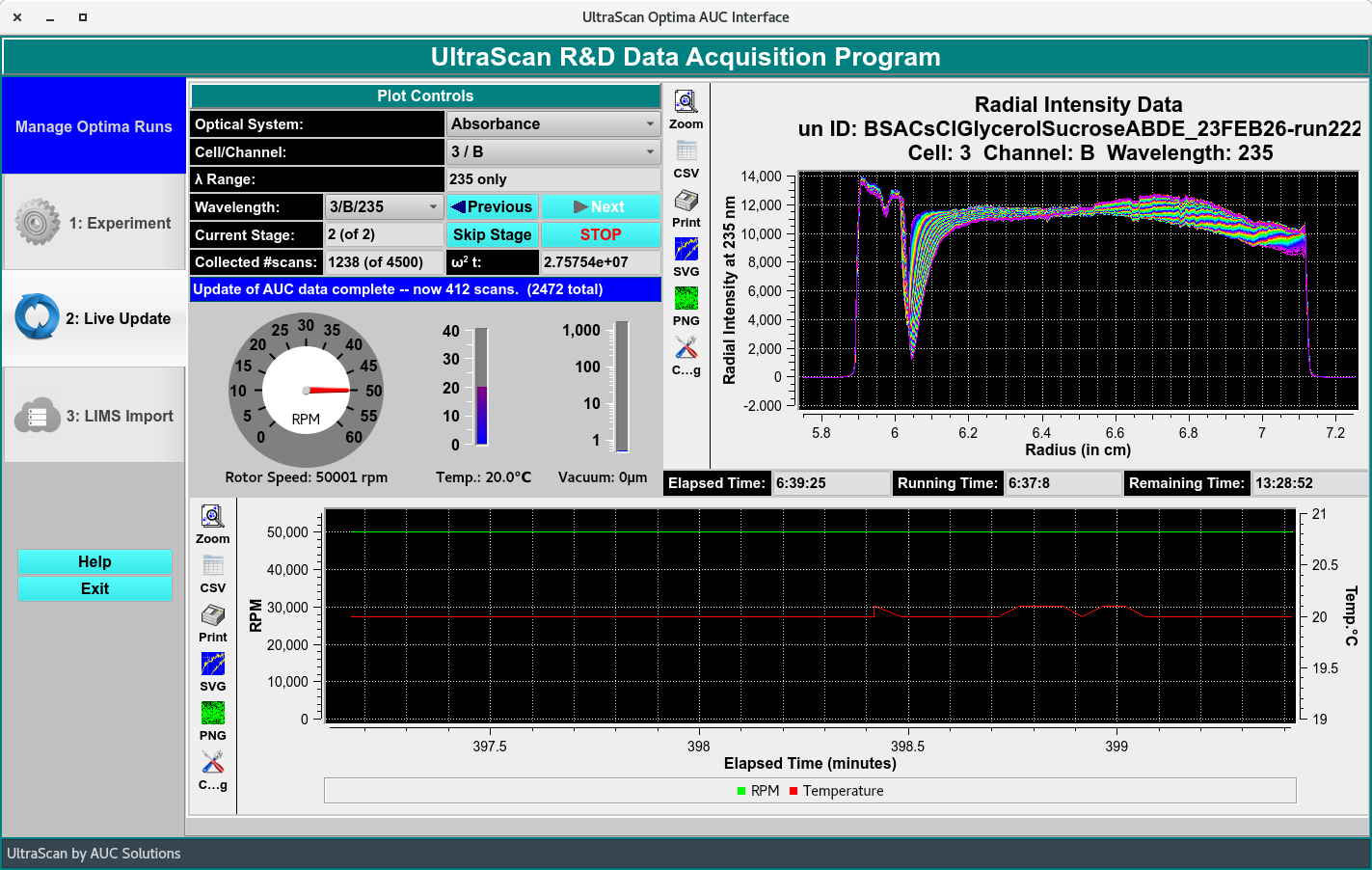
Live Update Window
To navigate through the Triple by using the cell/channel pulldown menu, the wavelength pulldown menu which has all the Triples listed and the previous and next bottoms next to the the Wavelength list.
Note
The Skip Stage bottom allows user to skip any of the pre-defined stage (for example: temperature delay) and the STOP bottom allows user to stop run. Usually this is to stop run when a lack(s) is notices. It is not recommended to stop a run before the pre-defined run time has finished. Use the ASTFEM simulation module to estimate appropriate runtime for experiment).
Collected scan: - The number of scan collected in total.
Blue text box - updates status of collection stage.
Plots
Top Plot: Displays the scans collected.
Bottom Plot: Displays the speed (rpm), time, temperature (°C ) and ω²T measured for the duration of run.