3: LIMS Import
After a run is completed, the data is imported by first defining the reference scans, allowing users to drop any invalid Triples; or scans and the resulting edit profile is then imported into the database by clicking Save.
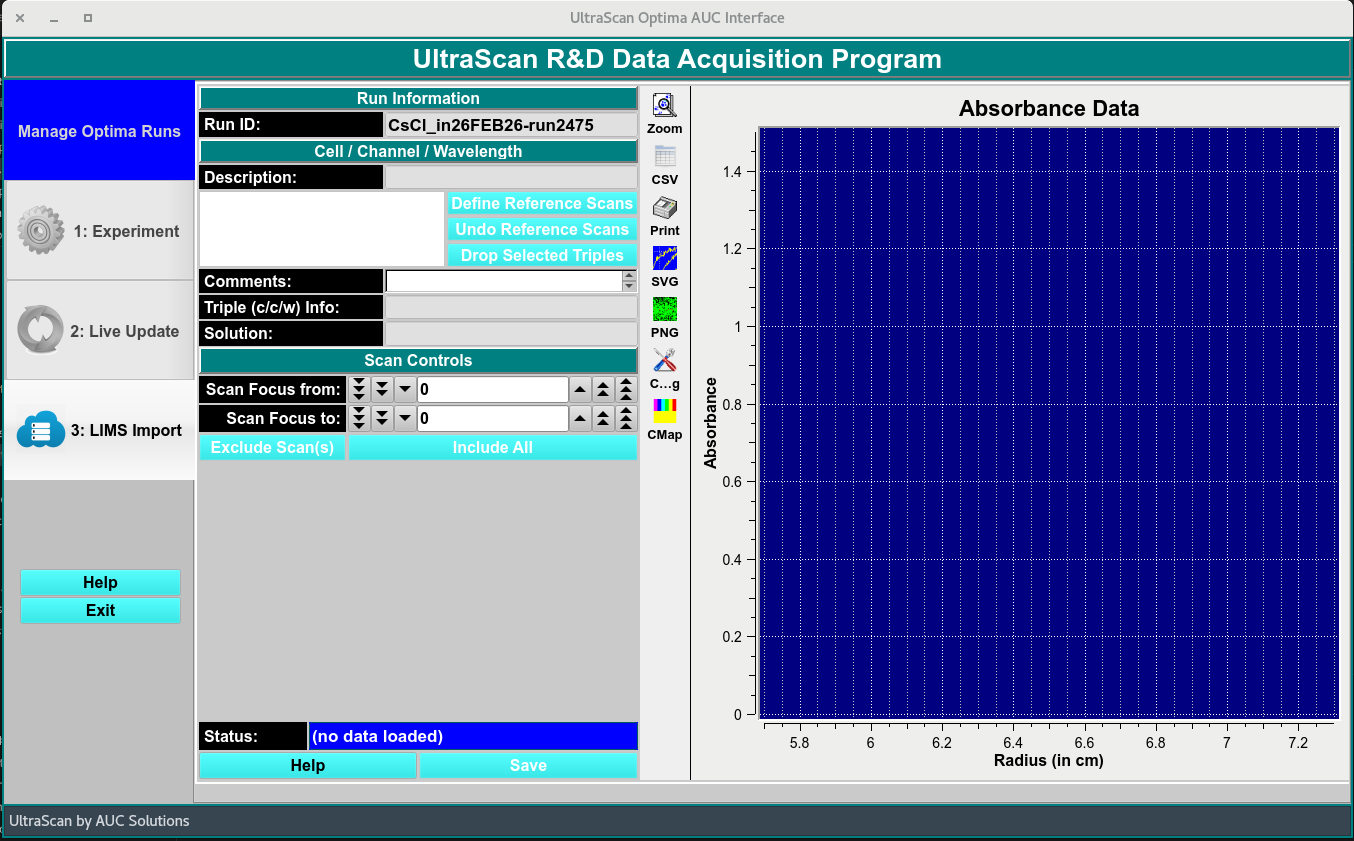
Main Import Window in the Data Acquisition Package
Once Run is completed, define reference scans, drop Triples, and the edit profile is imported to the database.
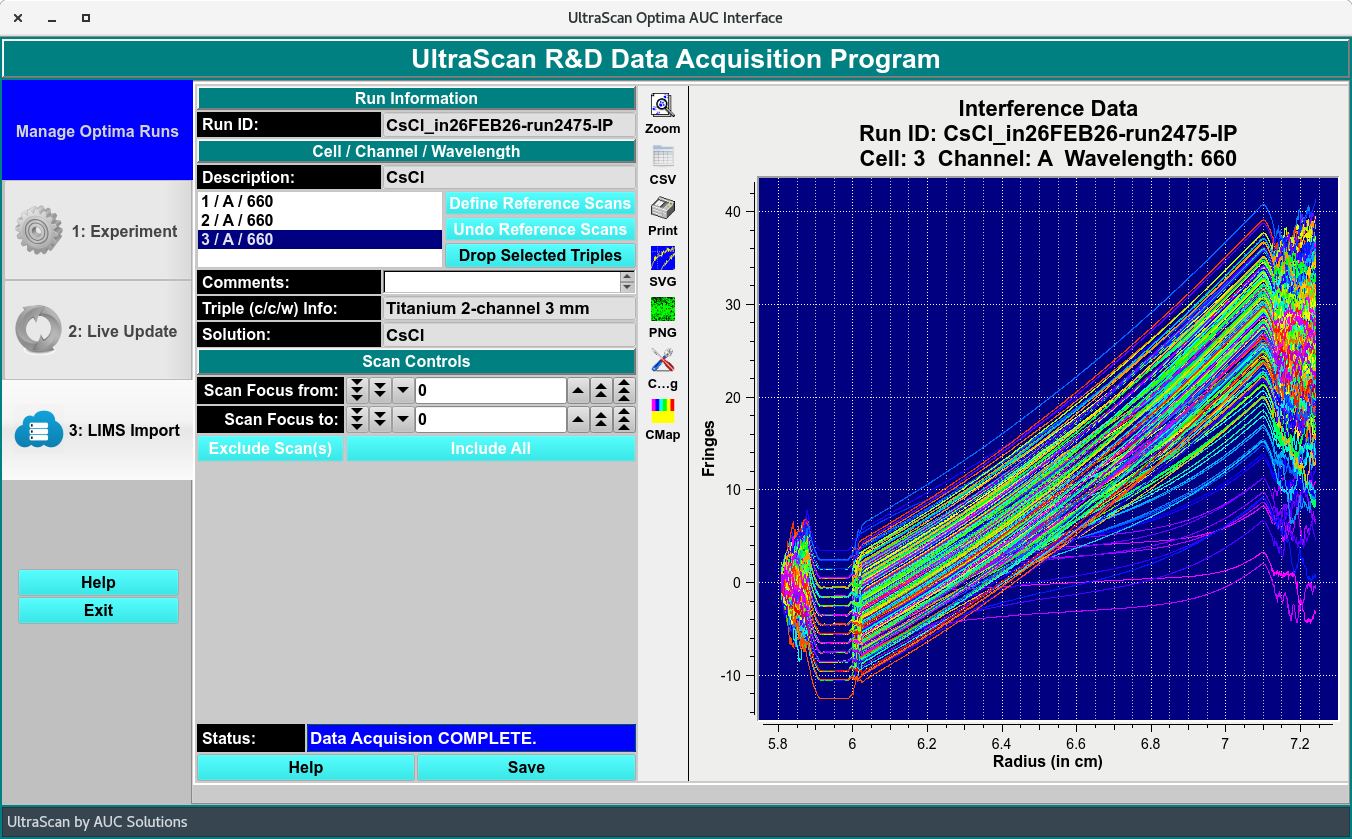
Imported data - Import Window
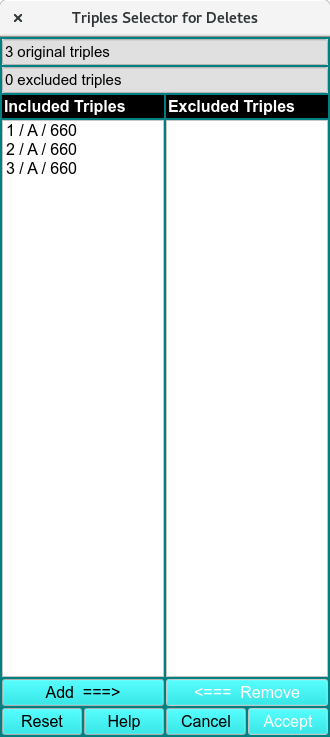
LIMS Import Functions:
Run ID: |
Run identification label selected by user. |
Description: |
Solution name |
Define Reference Scans |
Click bottom to accept the reference selection automatically generated. |
Undo Reference Scans |
Undo reference selection automatically made and make manual selection. |
Drop Selected Triples |
Delete selected Triple when Triples Selector for Deletes window appears. |
Comments: |
Add comments to sample solution label. |
Triple (c/c/w) Info: |
Cell Centerpiece. |
Solution: |
Solution added in the Cells Experiment tab. |
Scan Focus from: |
Select Scan start range to exclude. |
Scan Focus to: |
Select Scan end range to exclude. |
Exclude Scan(s) |
Exclude selected scans. |
Include All |
Include all scans that were excluded. |
Status: |
Data and profile status update. |
Help |
Link to the help documentation of this Import Module. |
Save |
Save current profiles. |