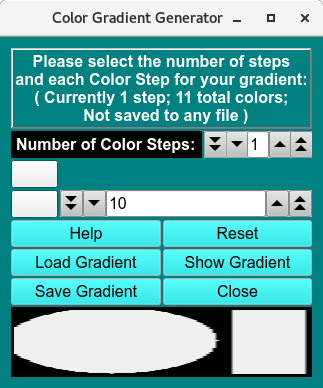
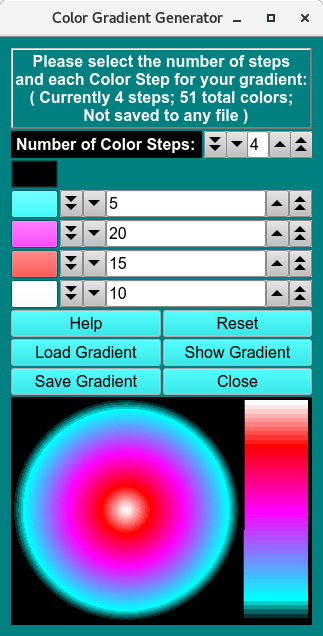
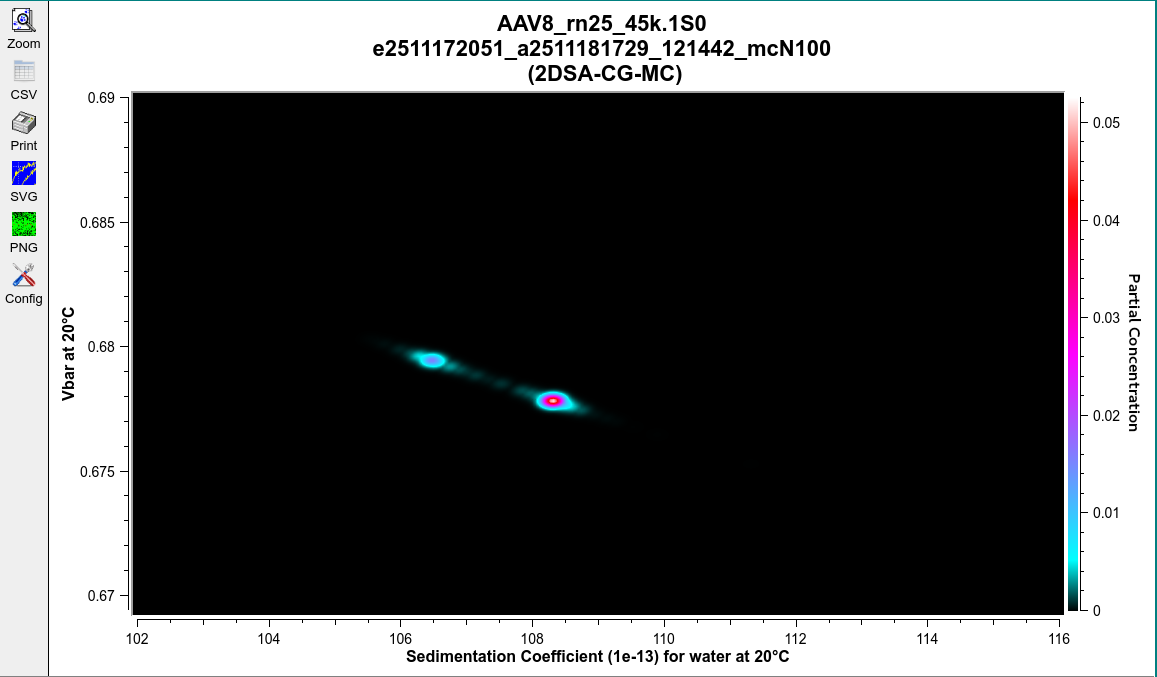
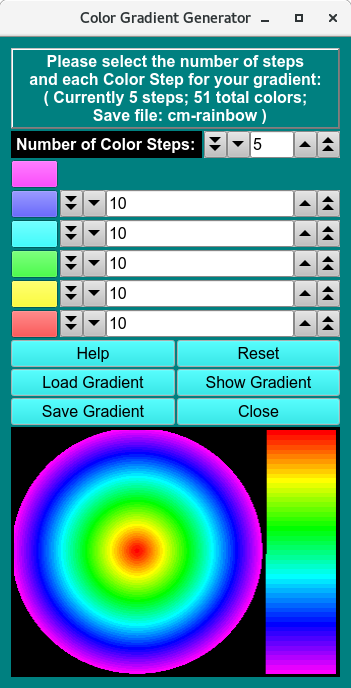
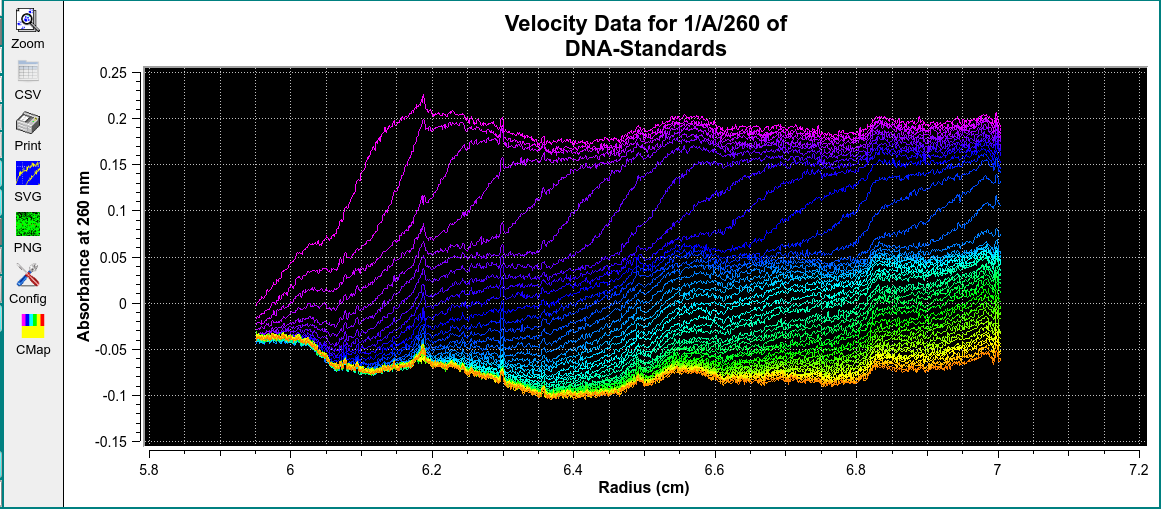
Color gradients can be generated for the purpose of providing a third dimension to selected Ultrascan-III program graphs.
Color gradients are specified with a start color and a number of color steps, each one having an end color and a number of points. The total number of colors in the gradient is the sum of step points plus one for the start color. The steps are saved in an XML file, with an option to save a PNG file with the color legend.
Functions:
Number of Color Steps: Choose the total number of color steps.
Select Starting Color: Click this button to choose a start gradient color. The chosen color appears in the button and the gradient displays below.
Select Step Color: Click any step color button to choose an end color for the step.
Number of Points in this Step: Set the number of points for each step using the counter.
Help: Display detailed color gradient generator help.
Reset: Remove all selections and revert to a single one-point step with color black.
Load Gradient: Load gradient selections from a previously saved color gradient XML file.
Show Gradient: Draw a representation of the currently specified color gradient.
Save Gradient: Save the current color gradient to an XML file, optionally also saving a PNG legend.
Close: Close the session (prompts to save if you haven’t).