Spectrum Fitter
The Spectrum Fitter is a module for analyzing spectral scan files collected from component serial dilutions. It applies multiple global nonlinear least-squares (NLS) fitting algorithms to model dilution-dependent extinction curves and determine the solute’s intrinsic extinction coefficient (intrinsic spectrum). Fitted results are exported as a .dat file for downstream analysis.
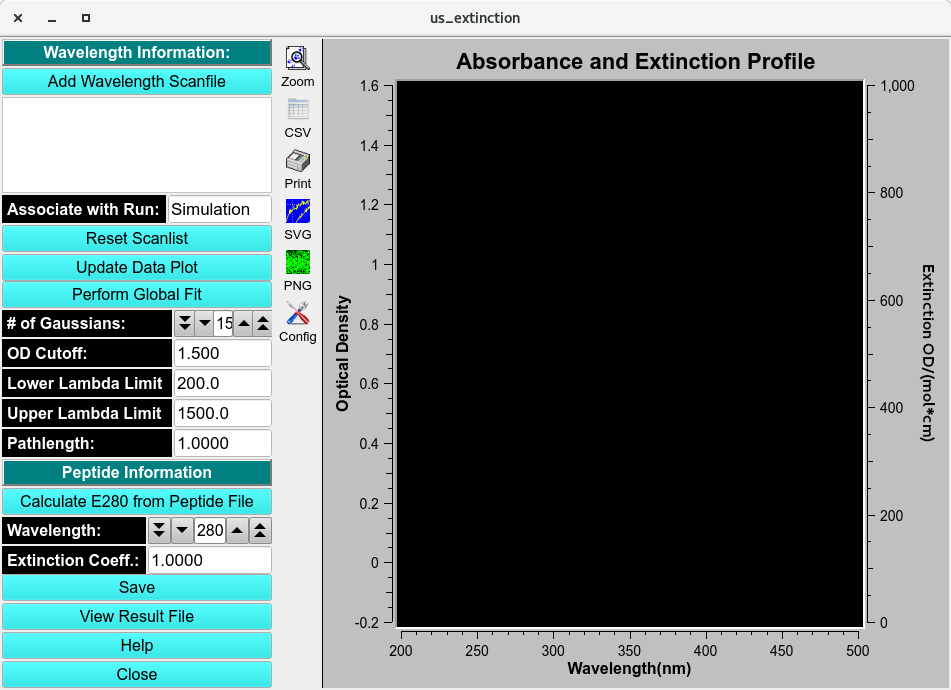
Spectrum Fitter
Process:
1. Load Scanfiles: Click Add Wavelength Scanfile to navigate to a file manager and load the serial dilution spectrum scan .csv files. A Load CSV Files window will pop-up to select the Delimiter-separated value, edit the header and inspect data.
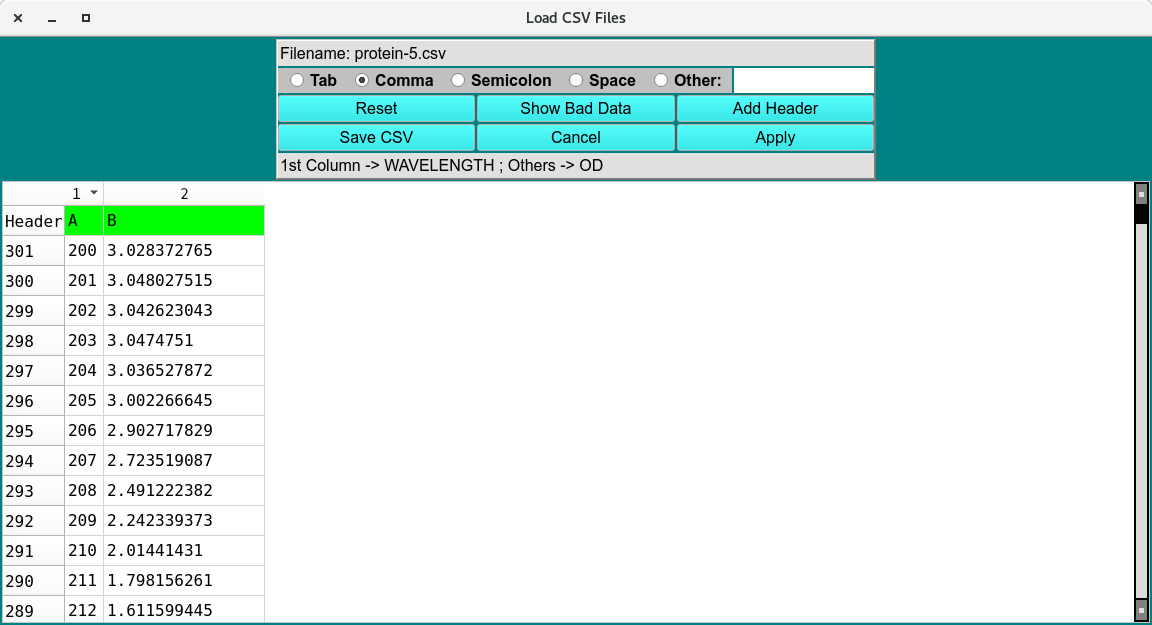
Load CSV file
Click Accept and the data will be imported and displayed on the Absorbance and Extinction Profile plot. Repeat for each scanfile in the dilution.
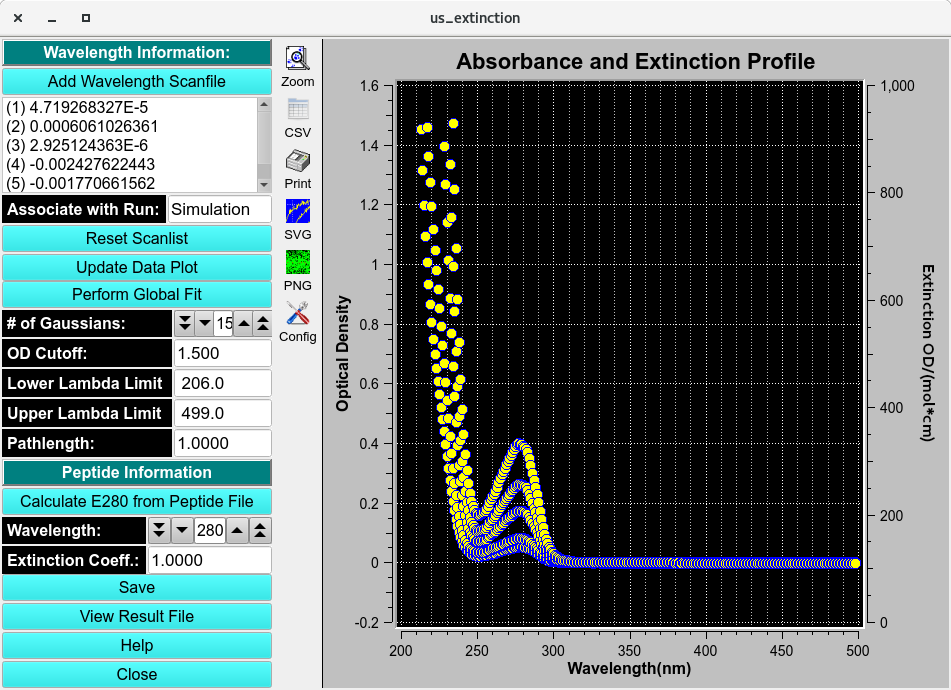
Loaded Spectrum Fitter
Perform Global Fit:
Click Perform Global Fit to navigate to the fitting controls for the Global Non-Linear Least Square (NLS) algorithms. For typical users the default settings are sufficient and users can Fit without any modifications.
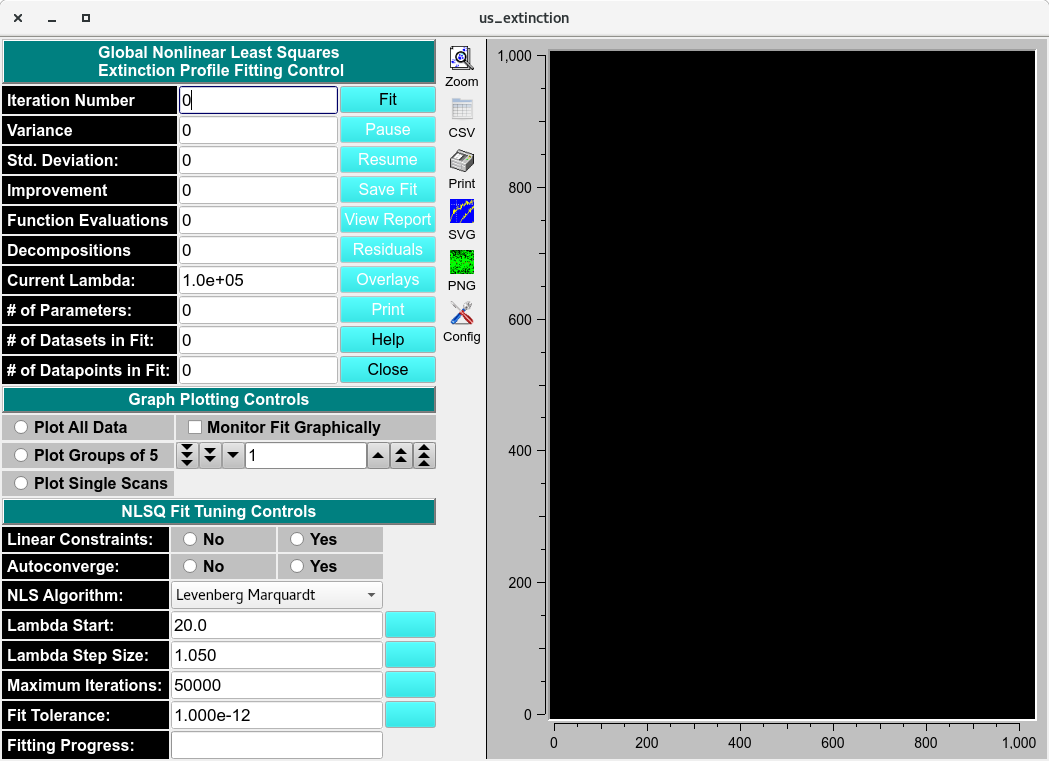
NLS Fitting Controls
3. Global Fit Results: Select Residuals or Overlay to display the results in the adjacent Overlay/Residual plot.
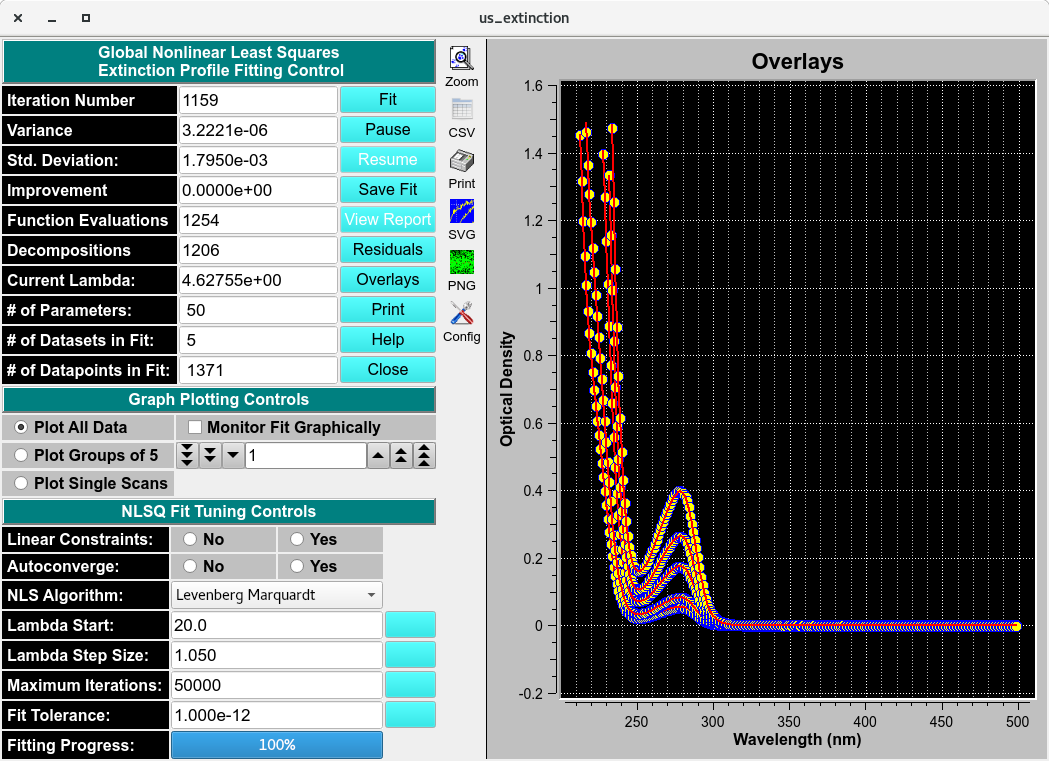
NLS Fitted Overlay
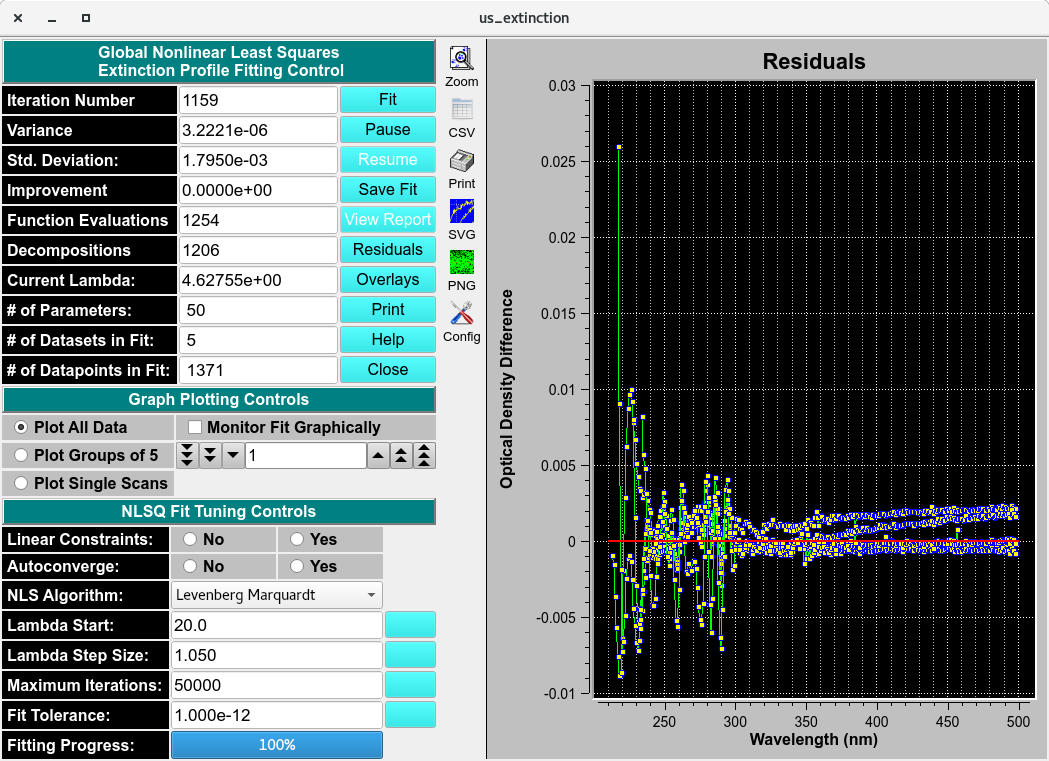
NLS Fitted Residuals
The results of the fit can be saved in the main us_extinction window. Enter a name and save the basis spectrum.